Styles
By default, the default MapLibre style gets used which shows only countries. To change this use the style of a tile provider or create and use your own map style.
Custom map styles can be used by setting the style parameter of the map
options like so:
Widget build() {
  return MapLibreMap(
      options: MapOptions(
        style: MapStyle.url('https://demotiles.maplibre.org/style.json'),
      )
  );
}
The map loads a new style when style changes. The following formats are
supported:
MapStyle.url: the URL of a map style, such as a custom map style served remotely using a URL that starts withhttp(s)://.MapStyle.asset: a JSON file in the Flutter assets of the app.MapStyle.file: the absolute path of a JSON file, for example in the ApplicationDocumentsDirectory. Not supported on web.MapStyle.json: the raw JSON of the map style.
Without MapOptions.initCamera, the map starts at the camera stored in the
style (its center, zoom, bearing and pitch).
Tile sources that require an API key
If your tile source requires an API key, it is recommended to directly append it to the url as a query parameter. For example:
https://tiles.example.com/{z}/{x}/{y}.pbf?api_key={your_key}
Use existing styles
Every tile provider provides map styles that you can use.
Warning
Note, that the style needs to be compatible with the tile schema used by the tile server. For example OpenMapTiles styles used by MapTiler are not compatible with Protomaps tiles.
Have a look at the awesome-maplibre list to get an overview over available tile providers that support the MVT standard.
Create a custom style
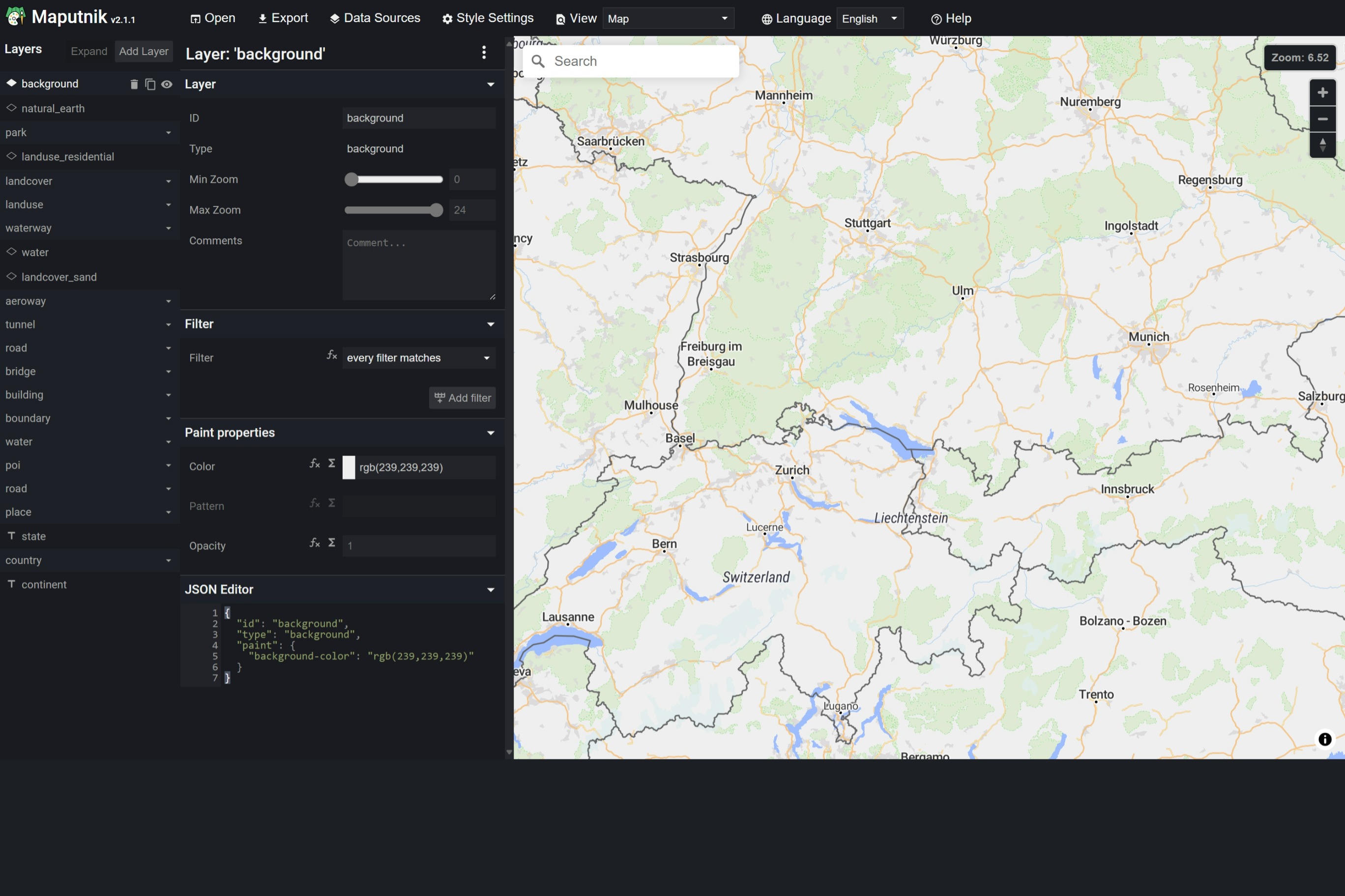
Map styles are defined in JSON. MapLibre offers a style editor called Maputnik that allows to customize existing styles or create a new style from scratch. Other tile providers like MapBox have own editors you can use.
Label placement transitions
Labels fade in and out as their collisions with other labels change, over
the style's transition duration on native (300 ms unless the style sets
one) and over 300 ms on web. setPlacementTransitions turns the fade off, so
labels show and hide at once:
MapLibreMap(
  onStyleLoaded: (style) => style.setPlacementTransitions(enabled: false),
)
A newly loaded style has them on again.
On web, turning it off also ends the crossfade of *-pattern and
line-dasharray values between zoom levels.